Can Anyone Build an App Now? Lessons from AI, a Kid’s iPad, and a Few Late Nights
My six-year-old’s iPad had turned into a pinball machine of flashing lights and noise. So instead of deleting every game, I decided to give him something better. Something creative.
That small act of parenting curiosity turned into a much bigger experiment:
Could someone who isn’t a developer, but lives and breathes tech, actually build working apps with AI?
I’ve spent years in the Salesforce world, with nine certifications and a fair bit of business and technical overlap, but I’ve never considered myself a coder. Until now. What started as a weekend curiosity turned into three fully functional apps, a pile of errors, and a proper appreciation for people who do this for a living.
🎨 1. The Kids App: Helping My Son Create, Not Consume
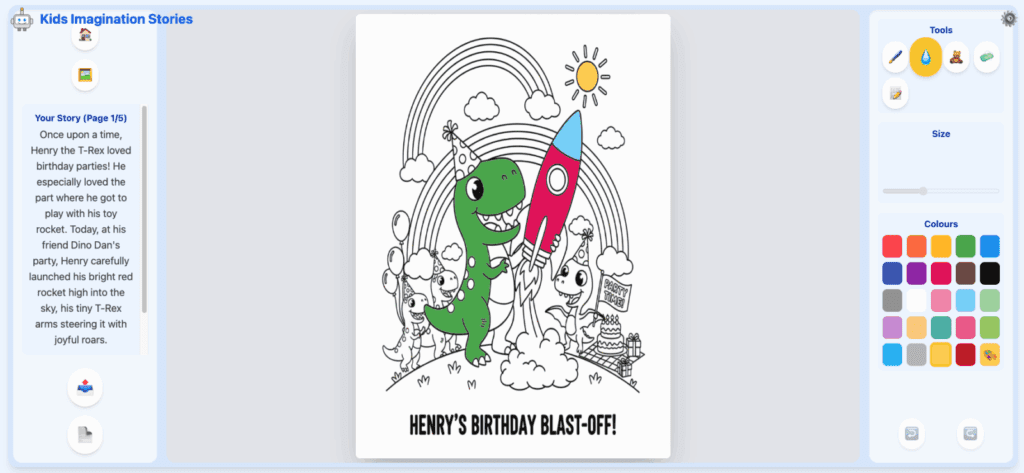
The idea was simple: help my son make things instead of just watching them.
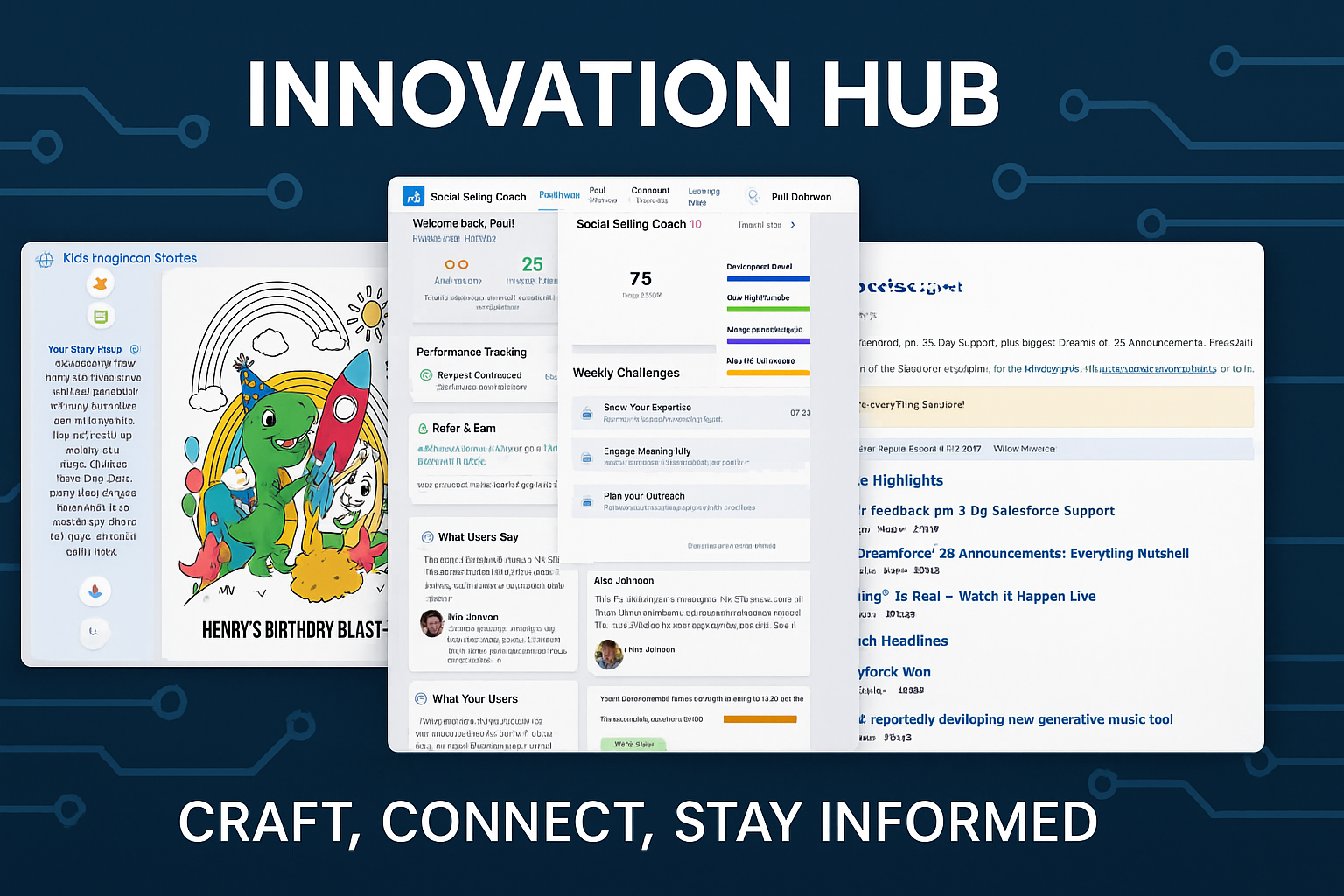
The result was a story-creation and colouring app that lets kids describe an idea and watch AI turn it into a short, printable storybook he can colour in on his iPad, or print and colour using good old fashioned pens and pencils.
What worked:
- The AI-generated stories came out great once I rewrote prompts to sound like a Year 2 teacher instead of a marketer.
- The on-screen colouring and story navigation flow smoothly.
- The parent gate before printing gives peace of mind.
What didn’t:
- Getting AI to produce true “colouring book” outlines every time is still hit-and-miss.
- Some stories wander off-track if the prompt is too vague.
But overall, it’s done exactly what I hoped. My son’s now creating space adventures instead of mashing buttons. That’s progress.
💼 2. The Social Seller: A LinkedIn Training Ground
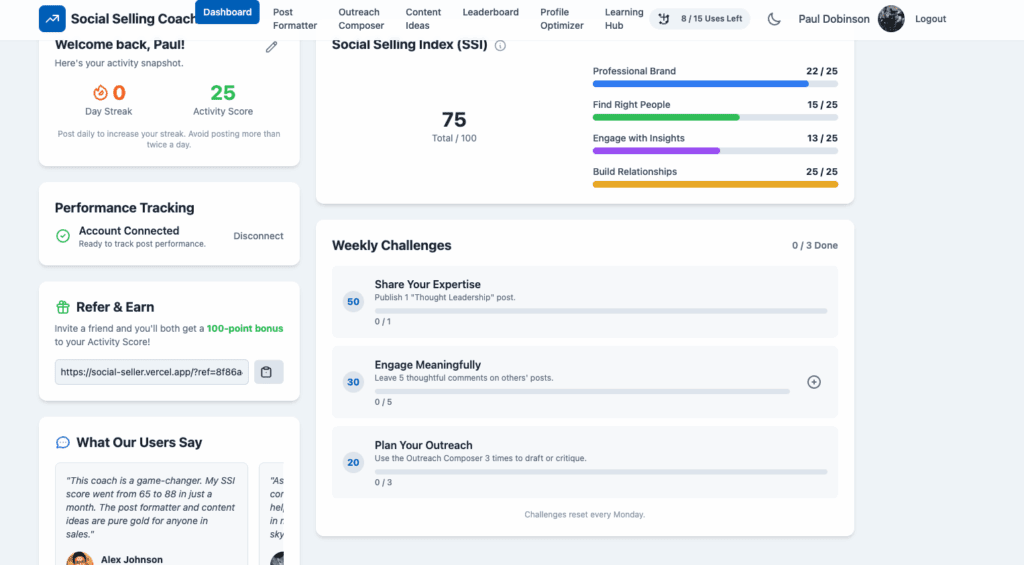
This one came from my day job. I wanted to build something that made social selling more engaging. A kind of gym for building better LinkedIn habits, turning consistency into a game.
What worked:
- The feedback engine came to life once I switched the AI to structured JSON.
- Authentication, database, and hosting worked beautifully once I got Supabase and Vercel aligned.
- I added a “dev mode” for quick testing, which saved hours of re-logging.
What didn’t:
- Google OAuth nearly broke me. Redirect loops, tokens, the lot.
- Gemini occasionally responded in lyrical prose rather than usable data.
- The UI still looks like it was built by a sales guy (because it was).
Still, it works, and I now understand what’s happening behind the curtain when I talk about data flow, logic, and system design.
📰 3. The News App and Email: My Morning Routine, Automated
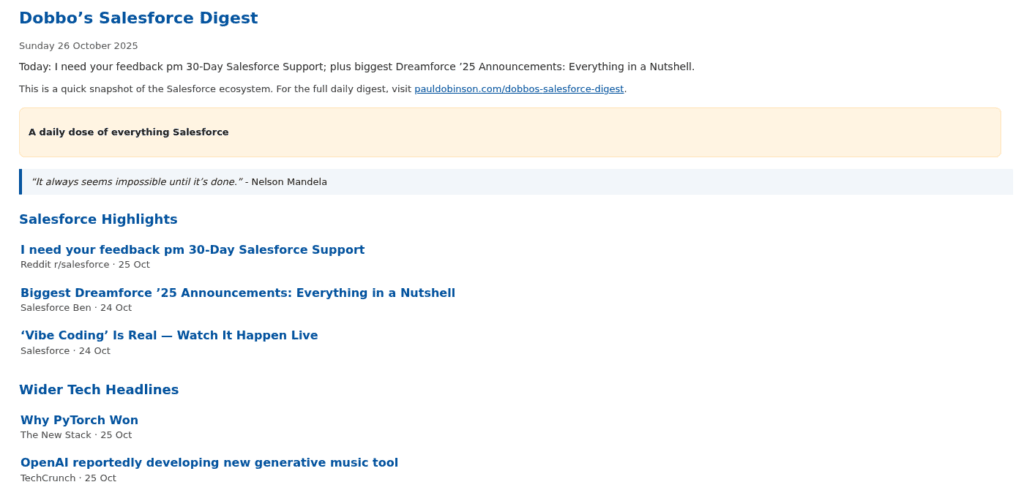
Every morning I skim Salesforce and AI news over coffee. I built a simple app to do it for me, pulling multiple news feeds, summarising with Gemini, and sending a clean email digest through MailerSend.
What worked:
- The automation is rock-solid. It runs, filters, summarises, and sends on schedule.
- The MailerSend integration was smoother than expected.
What didn’t:
- Styling HTML emails took longer than wiring up the logic.
- A few edge cases in news filtering still need refining.
It’s not flashy, but it saves me time every day.
⚙️ The Stack Behind It All
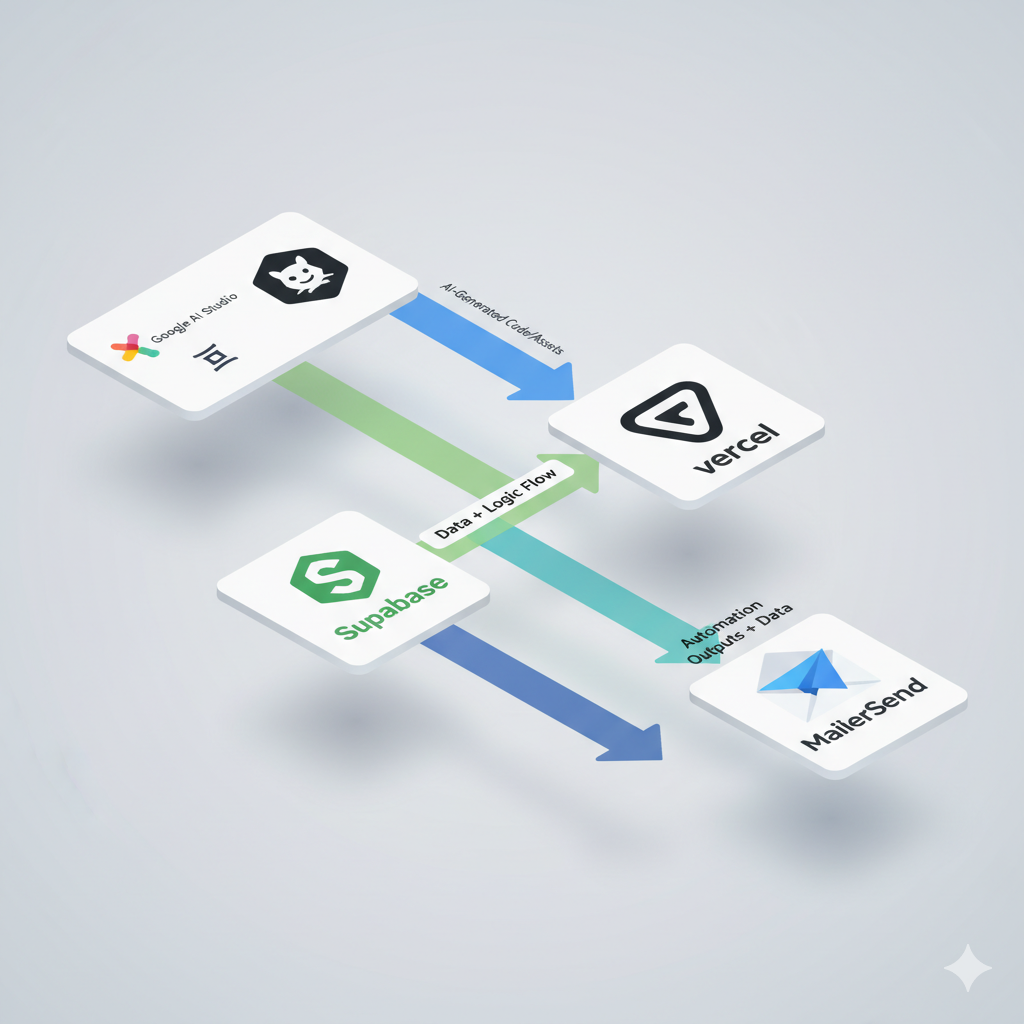
Tech Stack Overview:
| Layer | Tool | Purpose |
|---|---|---|
| AI | Google AI Studio (Gemini) | Story, text, and image generation |
| Assistant | ChatGPT | Debugging, problem-solving, prompt refinement |
| Backend | Supabase | Authentication and data management |
| Frontend & Hosting | Vercel | Deployment and hosting |
| Version Control | GitHub | Code management |
| Automation | MailerSend | Automated email delivery |
Each platform handled a key part of the process. You don’t need to master them all, just understand how they connect.
🔍 What I Learned
1. Prompting is the new coding.
Every output problem starts with an input problem. Clear instructions win.
2. Logic still rules.
AI doesn’t fix bad structure. It just reveals it faster.
3. Debugging builds understanding.
The hours I spent untangling OAuth taught me more about systems than any course could.
4. Curiosity scales.
I didn’t become a developer, but I became better at seeing how everything connects. That’s powerful in any role.
☕ The Bigger Picture
AI hasn’t killed development. It’s made creation accessible to more people. You don’t need to code full-time to build something that works. You just need an idea, a reason, and a bit of stubbornness.
So if you’ve ever thought, “I wish someone built an app for that,” maybe that someone is you.
Start small, break things, learn, and improve.
That’s how progress happens…in business, in tech, and apparently, on a six-year-old’s iPad.
If you’d like to try any of the apps or grab a coffee to chat about what worked (and what didn’t), reach out.